Help Center
How to use Makerbrief
Everything you need to manage your brand deals from first offer to final payment — and beyond.
Getting Started
Three things to do when you first open Makerbrief.
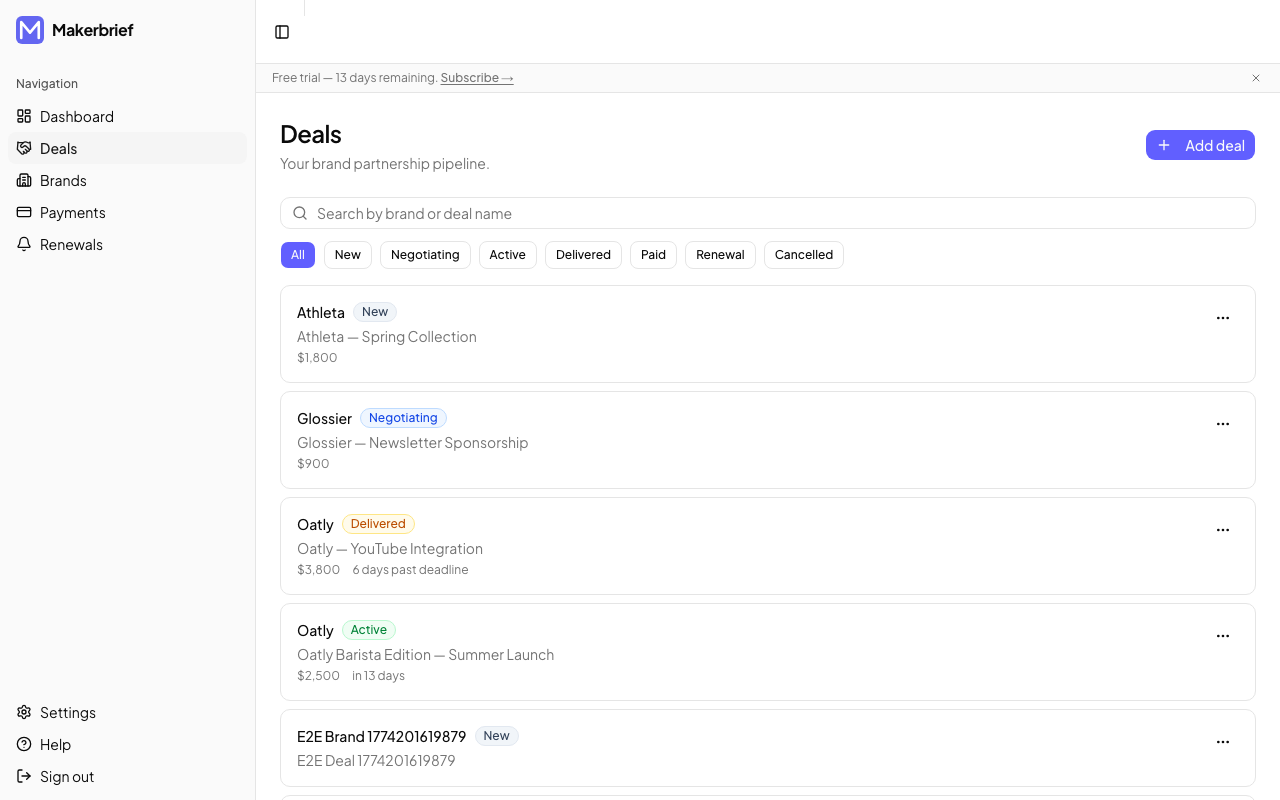
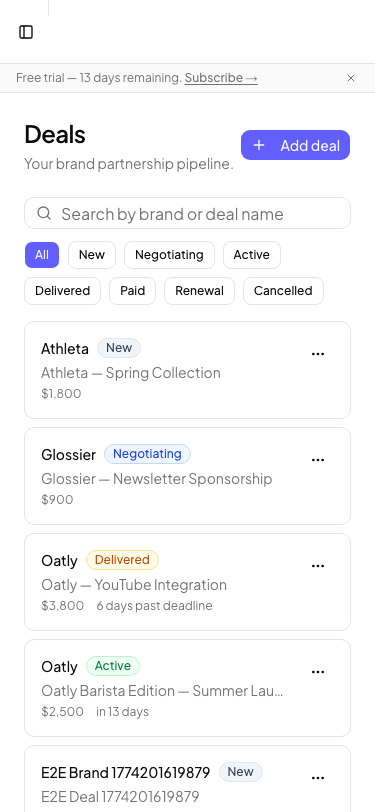
Log your first deal
A brand reached out. Don't let the details live in your inbox. Log the deal in 30 seconds so it's safe and searchable.
Fill in a brief
The brief is where you turn a vague email into a clear scope. It protects you from revision creep and misaligned expectations before you start creating.
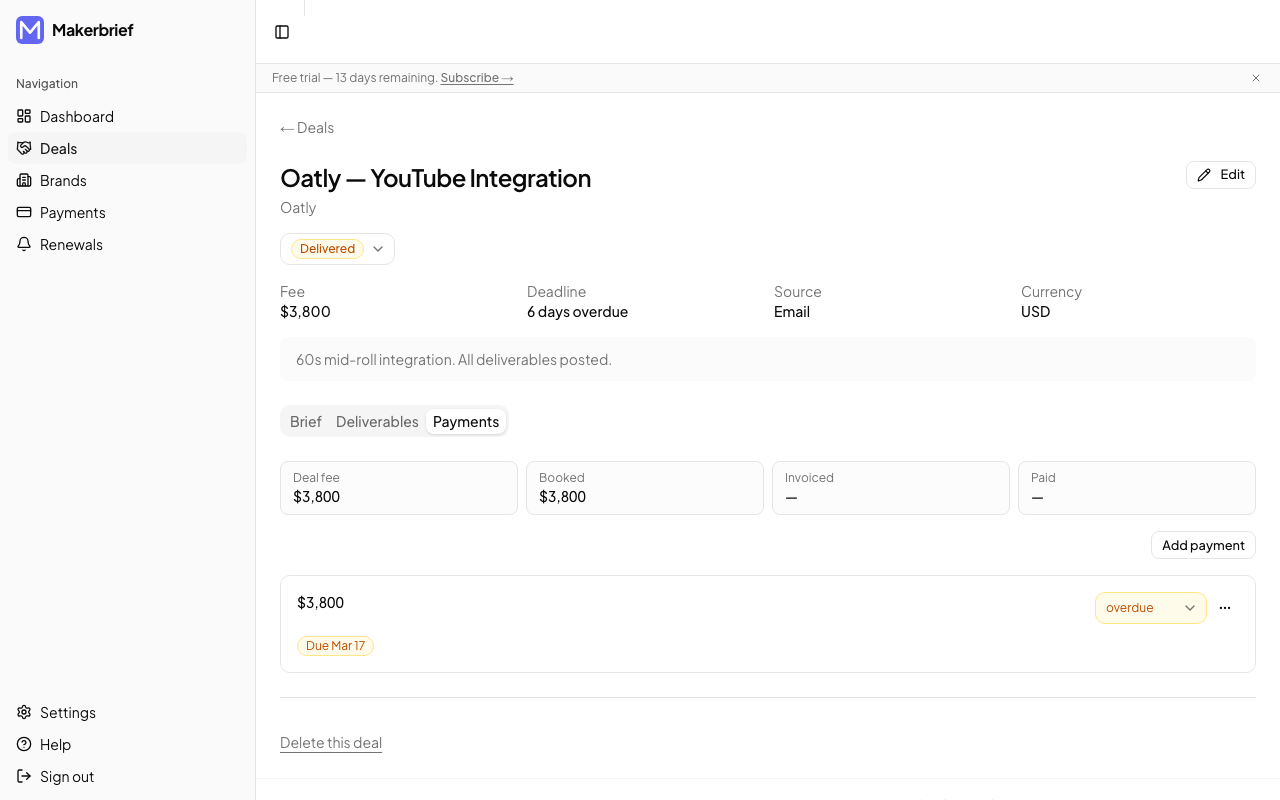
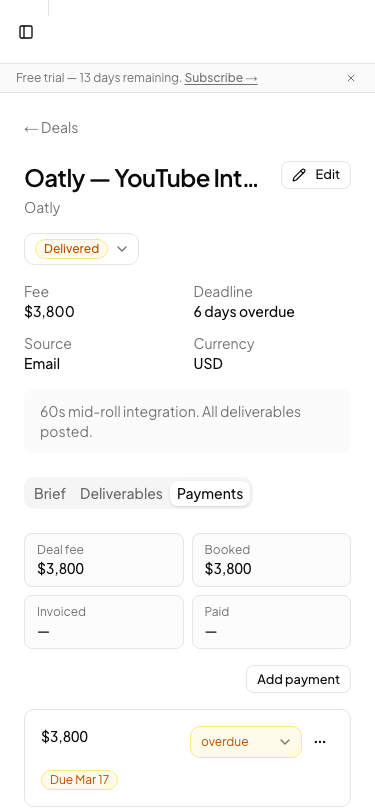
Set up your payment tracker
Log what you're owed as soon as a fee is agreed. That way you'll never forget what to invoice or when it's due.
How-To Guides
Task-by-task walkthroughs for every part of your deal workflow.
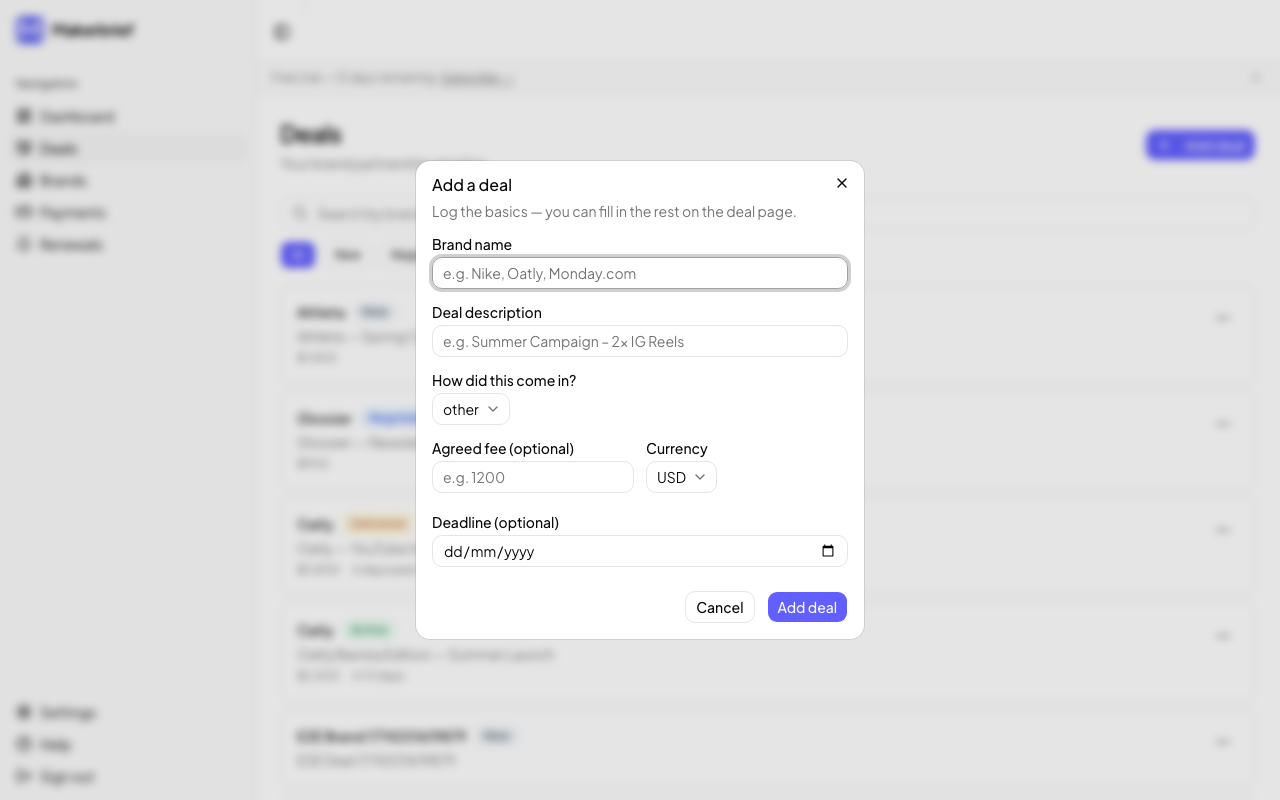
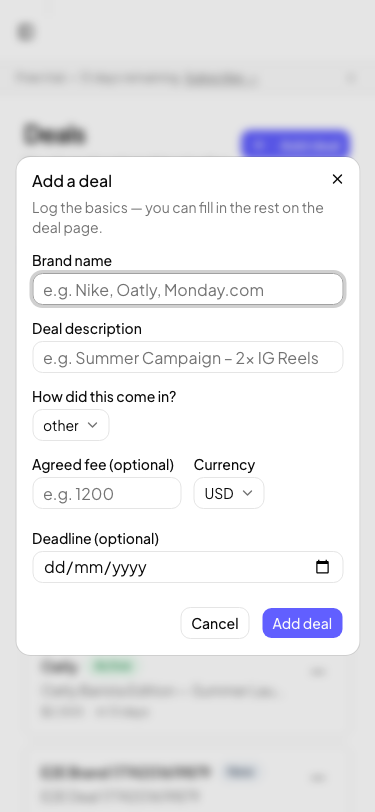
A brand just sent me an offer — what do I do?
Don't leave it sitting in your inbox. Log it fast before the details blur.
How do I fill in a structured brief?
Most brand briefs are vague. The brief builder in Makerbrief turns them into something you can actually work from — and send back to the brand for sign-off.
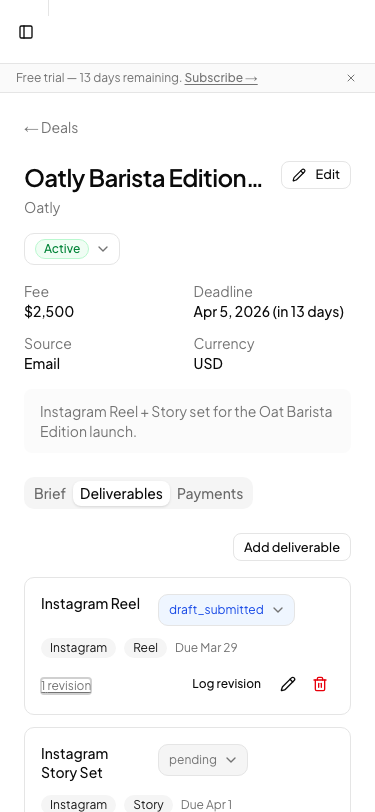
How do I track a deliverable?
Add each piece of content as a separate deliverable so you always know what's left to do and what's been approved.
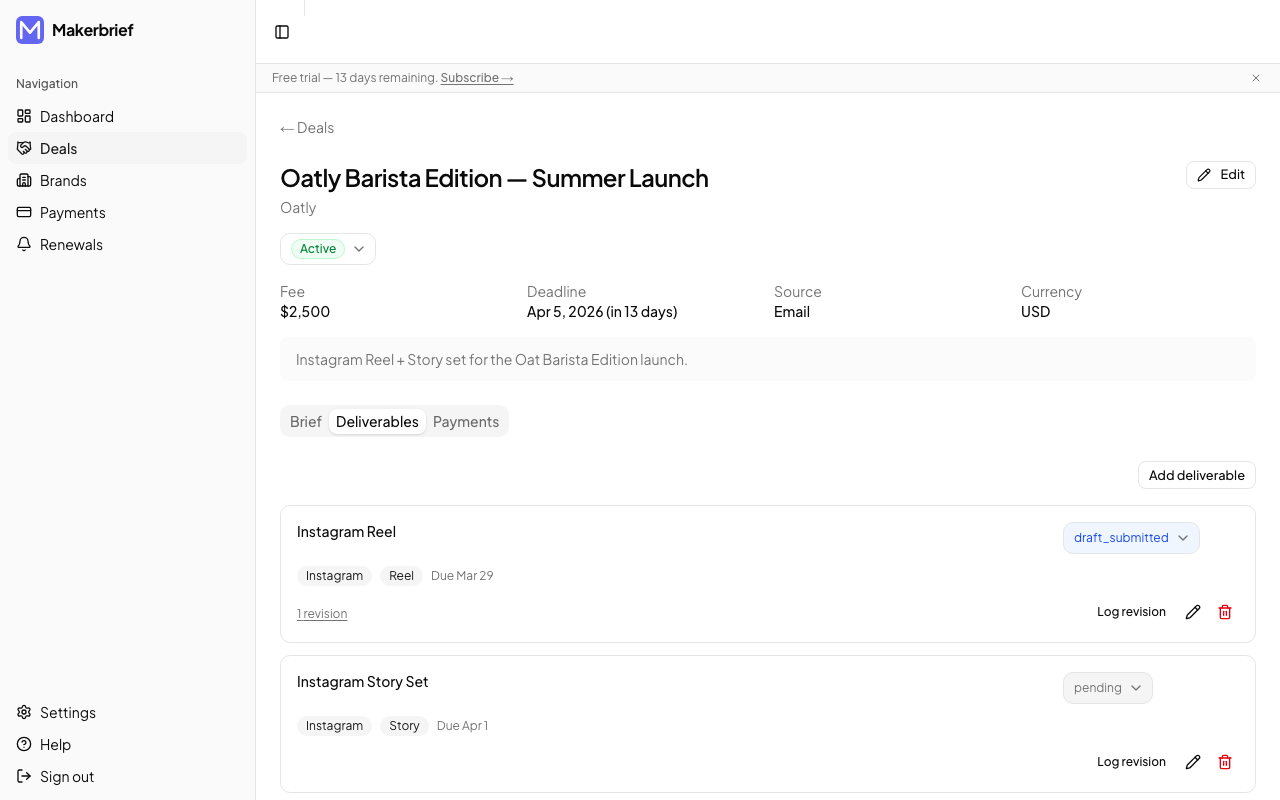
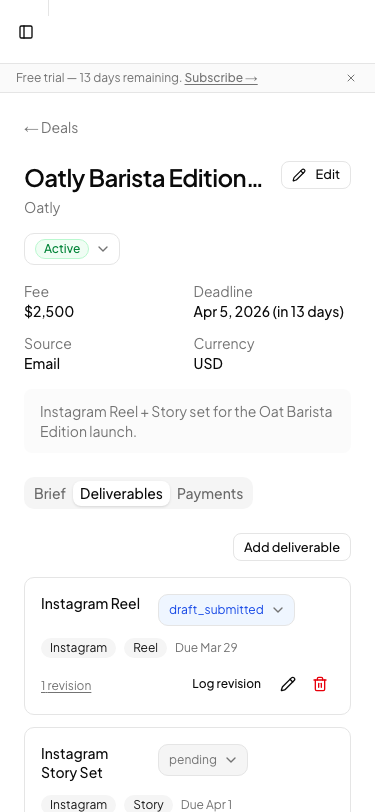
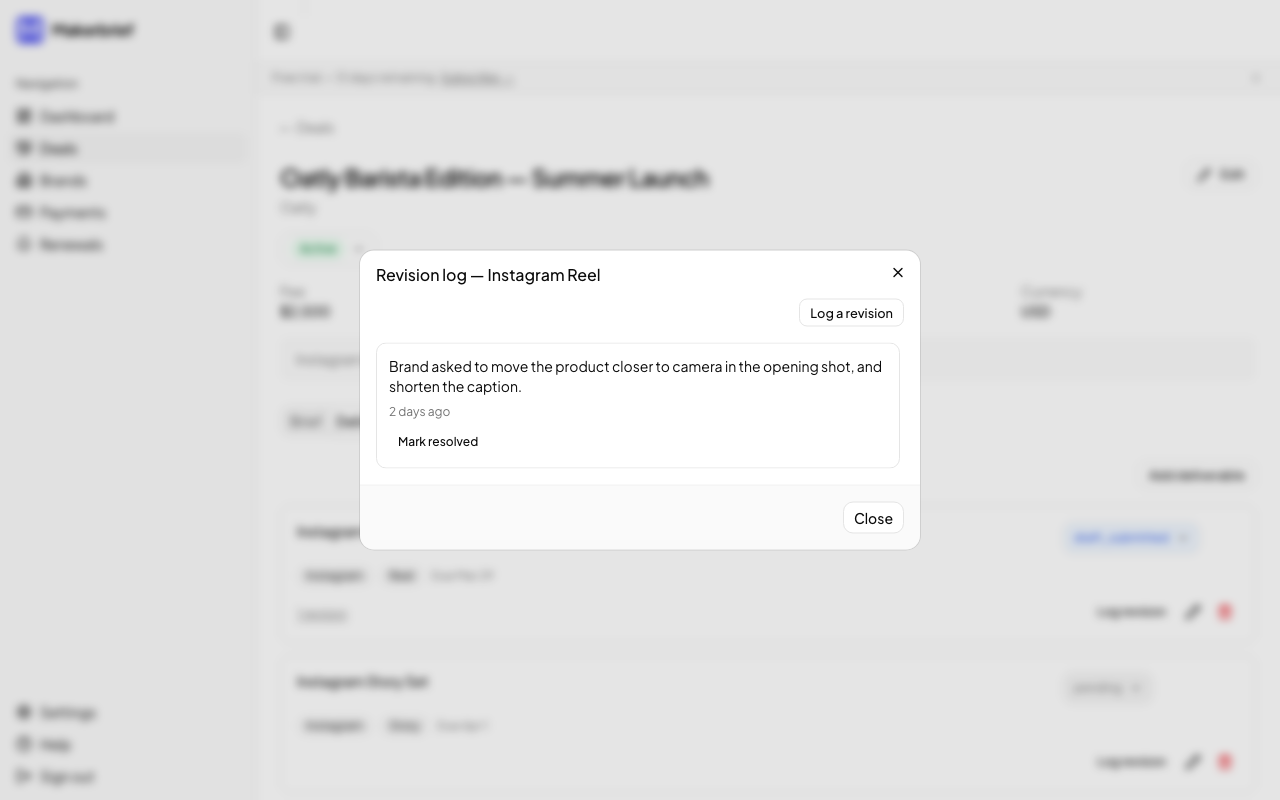
How do I log a revision request?
Every revision round you log is a record you can reference if the brand keeps pushing for more changes beyond what was agreed.
How do I record a payment?
Log payments as soon as fees are agreed — not just when money arrives. That way your overdue view stays accurate.
How do I chase an overdue payment?
Following up on late payments is professional, not awkward. Makerbrief gives you a template so you don't have to write it from scratch.
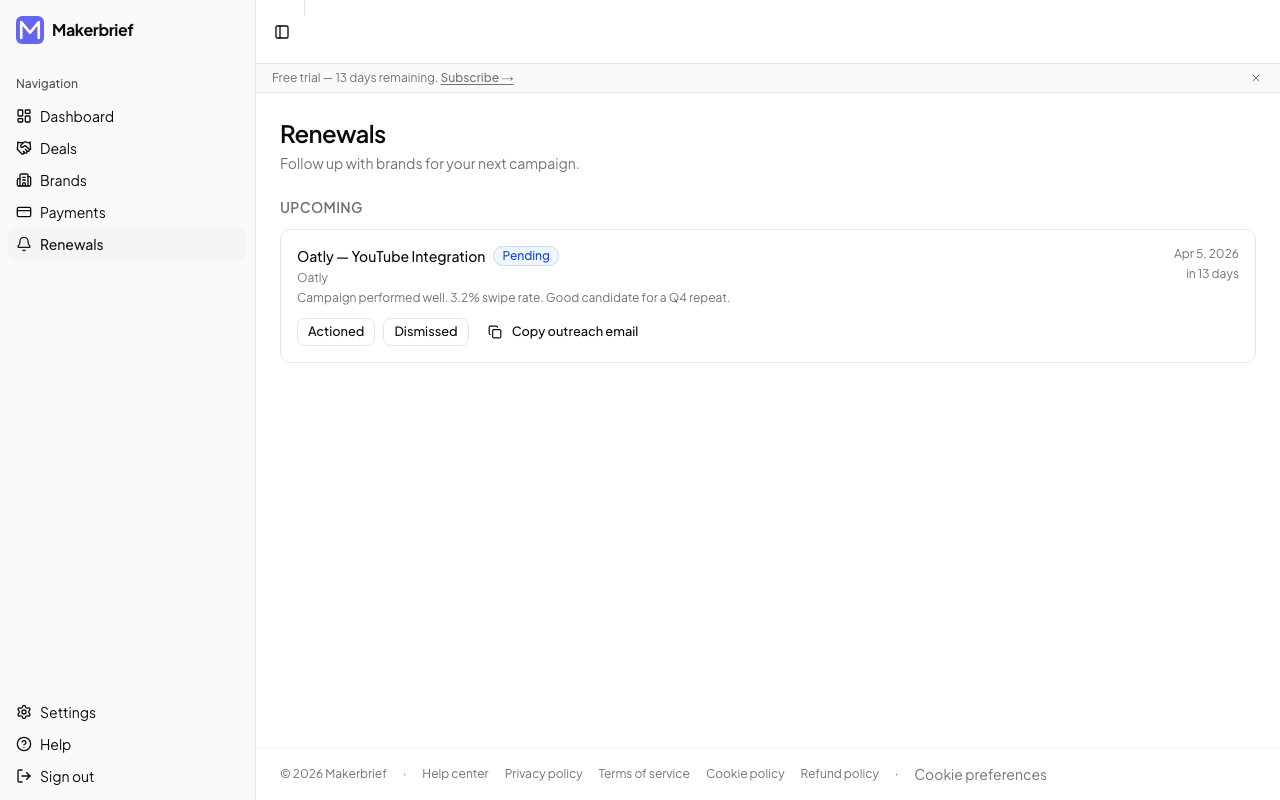
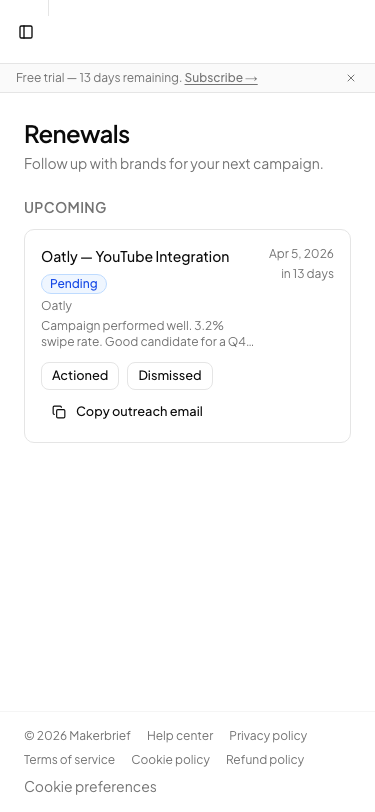
How do I set a renewal reminder?
Renewals don't happen because creators forget to pitch. Set a reminder and Makerbrief will tell you when it's time.
FAQ
Straight answers to the questions we hear most. Ask us anything else.
Still stuck?
Email us at hello@makerbrief.com and we'll get back to you within one business day.